As a company grows, answering seemingly simple questions becomes increasingly difficult. How busy is the team? Can we take on another project? How much will it actually cost? At ZenIS, we have faced similar challenges ourselves.
Imagine this.
Your sales team has just reached an agreement with a potential client. The project looks promising, the budget is attractive, and the client wants to get started in just two weeks.
There is only one question left: do we have the people available to deliver it?
The project manager opens the team capacity spreadsheet and starts checking everyone's availability. One employee has a holiday planned, two specialists are already committed to other projects, and some of the work may need to be outsourced to external partners. It is not just a matter of finding available people. The manager also needs to calculate resource costs and determine whether the project will actually be profitable.
All the necessary information exists within the company, but it is scattered across different people and disconnected software tools. While everyone gathers the data and coordinates possible solutions, the client is still waiting for an answer.
Which raises an important question: can a company afford to keep growing if every new decision requires another Excel spreadsheet and the involvement of several employees?
Excel is not the problem. We are simply asking too much of it.
For a small business, Excel is often more than enough. One spreadsheet tracks budgets, another helps plan employee capacity, and a third keeps project information organized.
Everything works until the company starts gaining more clients, taking on more projects, and expanding its team.
Suddenly, one spreadsheet turns into ten. Someone has their own version of a file, another person forgets to update the information, and someone else accidentally changes a formula. Before you know it, half a day is spent figuring out why the numbers no longer match and which data is actually correct.
Digitalization among Latvian businesses continues to advance, but dedicated business management systems are still far from universal. According to 2026 data from the Central Statistical Bureau of Latvia, 39.3% of Latvian enterprises with at least 10 employees used enterprise resource planning (ERP) software, while 20% used customer relationship management (CRM) systems.
These figures do not mean that the remaining companies manage everything manually. However, they do show that the adoption of specialized business software still varies considerably.
During the Skanstes City podcast, Roberts Dzenis and Alex Schtelbe recalled a time when ZenIS was dealing with similar challenges.
We had built a large, customized Excel spreadsheet to manage projects, human resources, and employee capacity. Meanwhile, vacation schedules were stored elsewhere, customer data lived in another system, and the project portfolio had to be reviewed separately.
Each tool did its job, but problems arose whenever we needed to bring all that information together to make business decisions. At least once a month, someone would spend approximately 10 to 20 hours fixing Excel files and organizing data.
That is not work that helps win new clients or deliver projects more successfully. Yet someone still has to do it.
We decided to practice what we preach
It would be rather ironic for an IT company to help other businesses automate their processes while continuing to run its own operations through dozens of Excel spreadsheets.
So we decided to start with ourselves.
Our initial objective was fairly specific: build a system for managing employee capacity and planning project resources. That was how our internal Capacity Manager was born.
However, once development began, it quickly became clear that capacity planning could not be separated from other business processes. To understand how many people we would need next month, we first had to know which projects were already underway and which ones might be starting soon. Similarly, preparing an accurate proposal for a client required more than estimating the number of working hours. We also needed to know which specialists would be involved and how much their work would cost.
Project profitability is equally difficult to assess when planned resources and costs are not connected to actual performance. As a result, what started as an employee capacity planning tool gradually evolved into a broader business management system that we are developing as Workspace.
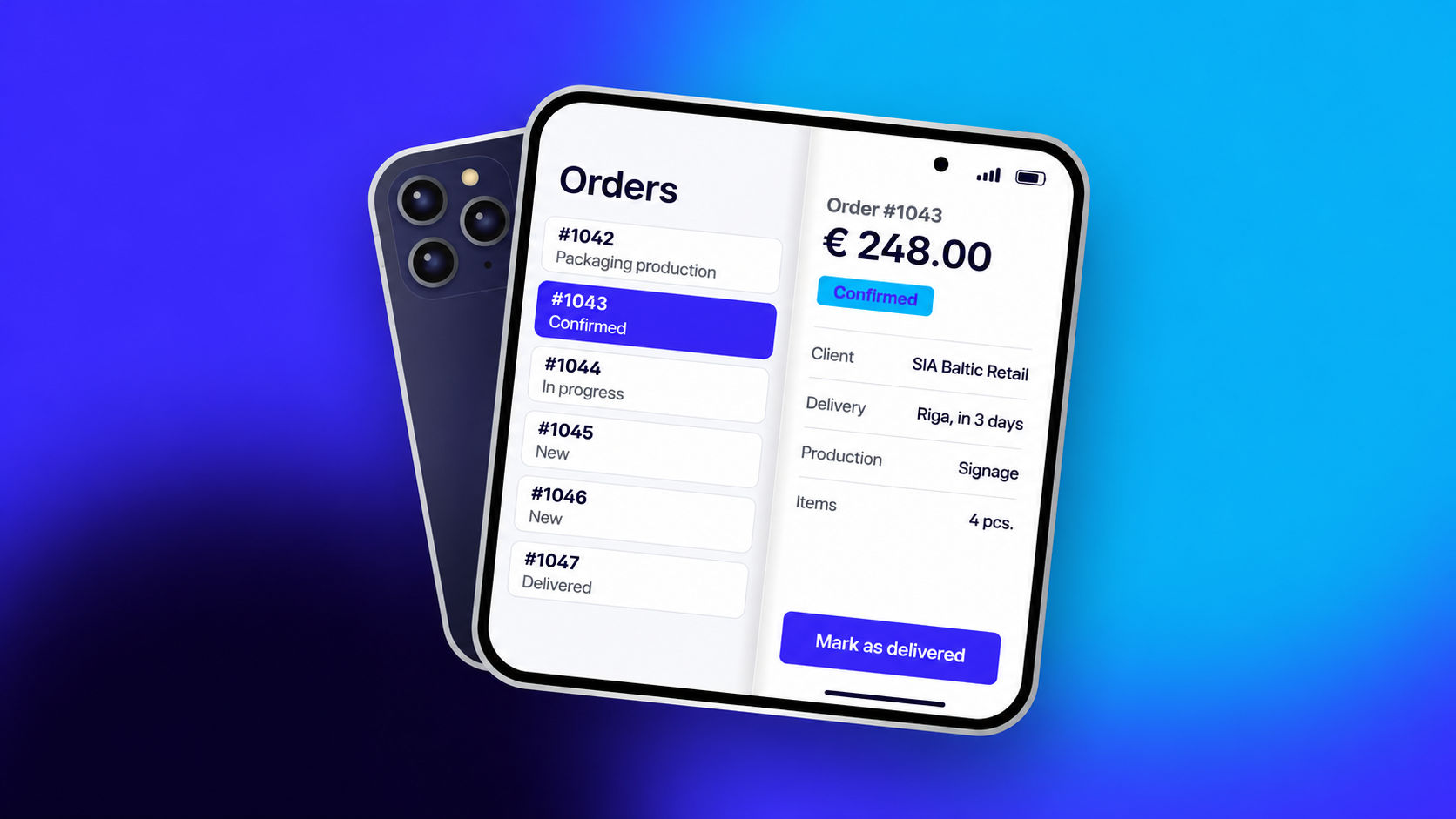
Today, the system brings together information about customers, sales opportunities, projects, employees, external specialists, and resource planning, making it easier for different departments to coordinate their work.
But the number of features is not what matters most.
What matters is that sales teams, project managers, and company leadership can make decisions based on connected, reliable information.
We also introduce new functionality gradually, starting with the processes that create the most unnecessary work instead of trying to build a system with every imaginable feature from day one.
The goal is not better looking reports. It is preventing problems.
One of the most frustrating situations in a project business is when a project has already been promised to a client, only for the project manager to announce that there are not enough people available to deliver it.
Of course, no company is immune to unexpected events. An employee may get sick, a client may change their requirements, or a project may take longer than initially planned.
But there is a significant difference between an unpredictable event and a problem that could have been identified a month earlier.
Reducing situations like these is one of the key objectives behind the development of Workspace.
For example, if an important specialist suddenly becomes unavailable, a manager needs to assess alternatives quickly. Can another team member take over the work? Should an external specialist be brought in? How will these changes affect the project timeline and costs?
The same principle applies to sales. When we see that a potential deal is getting closer to completion, we can already consider how it might affect team capacity and plan resources accordingly.
This allows us not only to respond to what has already happened but also to prepare for what might happen next.
For a business owner or company executive, that is a significant difference, especially when the company is growing, the number of clients is increasing, and decisions need to be made faster than ever.
What does this mean financially?
Sooner or later, every business owner will ask the obvious question: how much do we actually gain from this?
During the Skanstes City podcast, we shared some of our own calculations.
By moving to our own system and reducing the number of paid software platforms we used, our estimated savings on software licenses amounted to approximately EUR 7,000 to EUR 10,000 per year.
The second major benefit is time.
When we calculated the time previously spent preparing reports, coordinating information, planning resources, and completing various manual tasks, we estimated potential savings equivalent to approximately one full time employee's workload.
That does not mean someone became redundant. Quite the opposite. It means employees can use their time more productively, focusing on project management, customer service, and tasks that genuinely contribute to business growth.
These figures reflect our own situation and estimates at a particular stage of development, so the benefits for another company could be entirely different.
Besides, not everything can be measured precisely in hours saved.
How much does a missed project opportunity cost because we did not realize our team would have available capacity? What about a proposal priced without accounting for all the actual costs? Or a management decision based on data that is already two weeks old?
Sometimes, these questions matter far more than the price of a software license.
Does every company need its own custom system?
No. And we say this as a company that develops custom software.
There are plenty of excellent solutions already available on the market, and a smaller business may have everything it needs with a CRM platform, a project management tool, or a few integrated applications.
There is no point in building custom software simply for the sake of having something of your own.
Even while developing Workspace, we deliberately chose to keep certain tools that were already doing their jobs well, including those we use to manage software development and technical documentation.
Our goal was not to replace everything with one enormous application. Instead, we wanted to connect the information that mattered most and create a system that could adapt to our own processes.
Equally important was ensuring that, if we decided to replace one of our existing applications in the future, we could do so without rebuilding our entire IT infrastructure.
When deciding between an existing solution and custom software development, it is worth asking yourself three questions:
- Are our current tools genuinely unable to meet our needs, or have they simply not been implemented and integrated properly?
- How much will software licenses, maintenance, and manual work cost our company over the next five years?
- Will the system be able to adapt if our business introduces new services, gains new clients, or expands into new markets?
Answering these questions helps determine where an investment will actually pay off and whether a custom system is necessary in the first place.
Where does AI fit into business automation?
With artificial intelligence becoming part of everyday business conversations, another question naturally comes up: should we be adding AI to our existing systems?
The opportunities are certainly interesting. Imagine preparing a project estimate without manually going through dozens of documents, finding relevant information across company records in seconds, or using AI to help employees complete repetitive administrative tasks.
But adding AI to a process that already works poorly does not automatically make it better.
Before introducing AI, it is worth understanding what information the system needs, where that information comes from, and what the technology is actually expected to improve.
During the Skanstes City podcast, we also discussed vibe coding, where AI tools help people turn ideas into working software prototypes, even without extensive programming experience.
We see genuine value in that approach. A business owner who can demonstrate an idea through a simple prototype may find it much easier to explain their requirements to a development team.
However, there is a difference between a prototype that demonstrates an idea and software that a company can safely rely on every day. Security, integrations, testing, maintenance, and the ability to support future changes still matter.
The same applies when adding AI functionality to an existing business management system. Whether the goal is to automate project estimates, process documents, or improve access to internal knowledge, the technology needs to solve a real business problem.
AI can make a well designed process more efficient, but it cannot replace the need to understand how that process should work.
Before asking for a new system, tell us what is making your work difficult
During the Skanstes City podcast, we shared an interesting comparison made by one of our long standing clients. Working with ZenIS, they said, is a bit like visiting a doctor. You start by explaining what hurts, and only then do you look for the right treatment.
That approach feels natural to us because clients do not need to know which technology to use, what integrations to build, or how many modules their system should have.
It is far more useful to explain what makes everyday work difficult. Perhaps preparing project estimates takes too long and mistakes are difficult to avoid. Maybe existing applications are not integrated, forcing employees to enter the same information multiple times, or project managers spend too much time preparing reports. Meanwhile, company leadership may lack a clear picture of employee capacity and project profitability.
For another business, the challenge might be introducing AI capabilities into an existing system, such as automating the preparation of project estimates. Others may be more concerned about cybersecurity, including how to protect customer and company data, manage access permissions, and ensure that digital solutions are not only convenient but also secure.
And those concerns are justified. According to the CERT.LV report for the third quarter of 2026, cyber threats continued to intensify, including the exploitation of system vulnerabilities and the compromise of access credentials. This is why security should be considered during the initial planning stages of a digital solution, rather than only after implementation.
Once we understand the problem a company wants to solve, we can evaluate the available options together.
Sometimes the answer is custom software. Sometimes it is enough to integrate the tools a company already uses. And sometimes, the best place to start is simply by improving an existing business process.
Because ultimately, a business owner does not need another application to enter data into. They need a clearer understanding of what is happening in their company and the ability to make better informed decisions.
And employees need more time to do the work they were actually hired to do.
How did we arrive at this solution ourselves?
We discussed the origins of Workspace, business automation, the choice between existing and custom software, and our own experience at ZenIS in more detail during the Skanstes City podcast.
The conversation featured ZenIS CEO and Founder Roberts Dzenis and Co-owner Alex Schtelbe.
Watch the full conversation:
How to Effectively Automate Your Business? | ZenIS on the Skanstes City Podcast
 5 min read